27 languages: choose a translation that suits how you watch
Read translations in a familiar language, keep the original for comparison and change your choice to match each video’s goal.
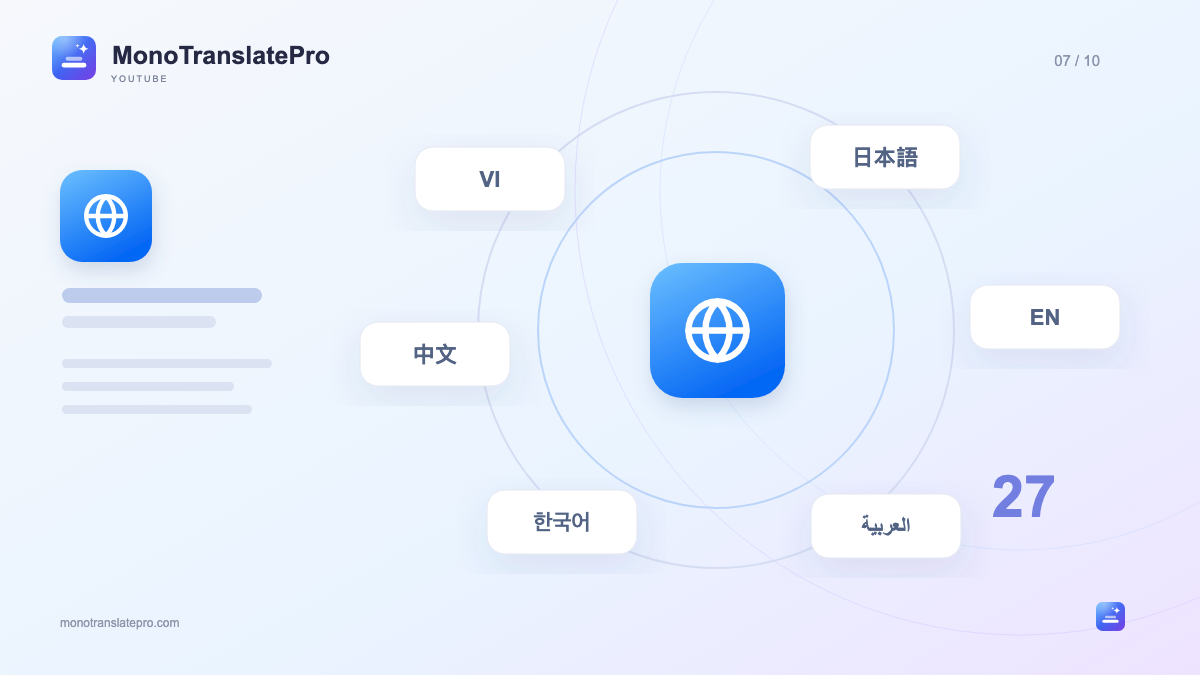
- Interface language and translation language are separate choices.
- Keeping the original beside the translation helps compare expressions.
- Fast Translation also depends on Chrome’s language-pair support.
In this article
A familiar language helps you enter the story
A good video need not be in a language you already know well. You might enjoy a Japanese cooking channel, an English conversation or a Korean tutorial. MonoTranslatePro places the original and translation together on the video so you can follow content and see how the speaker expresses it.
Which languages are available?
Mono’s language selector includes the languages below. Simplified and Traditional Chinese are separate choices so you can choose your writing system. Language names may follow your selected interface language.
- Group 1: Vietnamese, English, Japanese, Korean, Simplified Chinese, Traditional Chinese, Thai, Indonesian, Malay, Filipino, Hindi and Bengali.
- Group 2: German, French, Italian, Dutch, Swedish, Polish, Czech, Romanian, Russian, Ukrainian, Spanish and Portuguese.
- Other choices: Arabic, Hebrew and Turkish.
Changing the interface does not change subtitles
The interface language controls button text, section names and messages. The translation language controls the subtitle line you receive. For example, you can keep a Vietnamese interface and translate a Japanese video into English. These choices serve different needs.
If the translation appears in an unexpected language, check Translate to in the extension or Player Dock, rather than only the website language. Before each new video, take a second to confirm the target language and avoid translating again.
Choose subtitle lines for your goal
To understand the content, start with original and translation together. Read the main idea in your familiar language, then glance at the original when you hear an interesting phrase. With unfamiliar vocabulary, this lets you follow the story rather than stop at every word.
Language choices and real translation availability
Subtitle quality depends on the original, content and mode. Automatic captions can misspell names or omit words, affecting the translation. Compare the audio and original when a detail seems wrong.
Fast Translation uses Chrome’s on-device translation, so a pair may need a download or may not be supported on your computer. Professional Translation uses Gemini through your key and depends on service status. Having 27 choices does not mean every situation gives identical results.
Keep this in mind
Begin with the language that helps you understand best. Once familiar with the video, reduce support or change the target language for a new learning experience from the same content.
Learn more from official sources

The MonoTranslatePro team shares extension guides and ways to learn from real videos.