HOW MONO WORKS

From a YouTube video to actually following the content.

The workflow stays small: install the companion, sign in, connect Gemini, choose a language and start watching. Deeper tools only appear when you need them.

Mono video translation workflow illustration
Translate · understand · returnOne workflow, one Mono account.

01

Install the Chrome companion

Install Mono Translate Pro from the Chrome Web Store. The extension is the companion that works beside YouTube.

02

Sign in to your Mono account

Use the same account on the website and extension so Trial or Pro access can stay synchronized.

03

Connect your Gemini API key

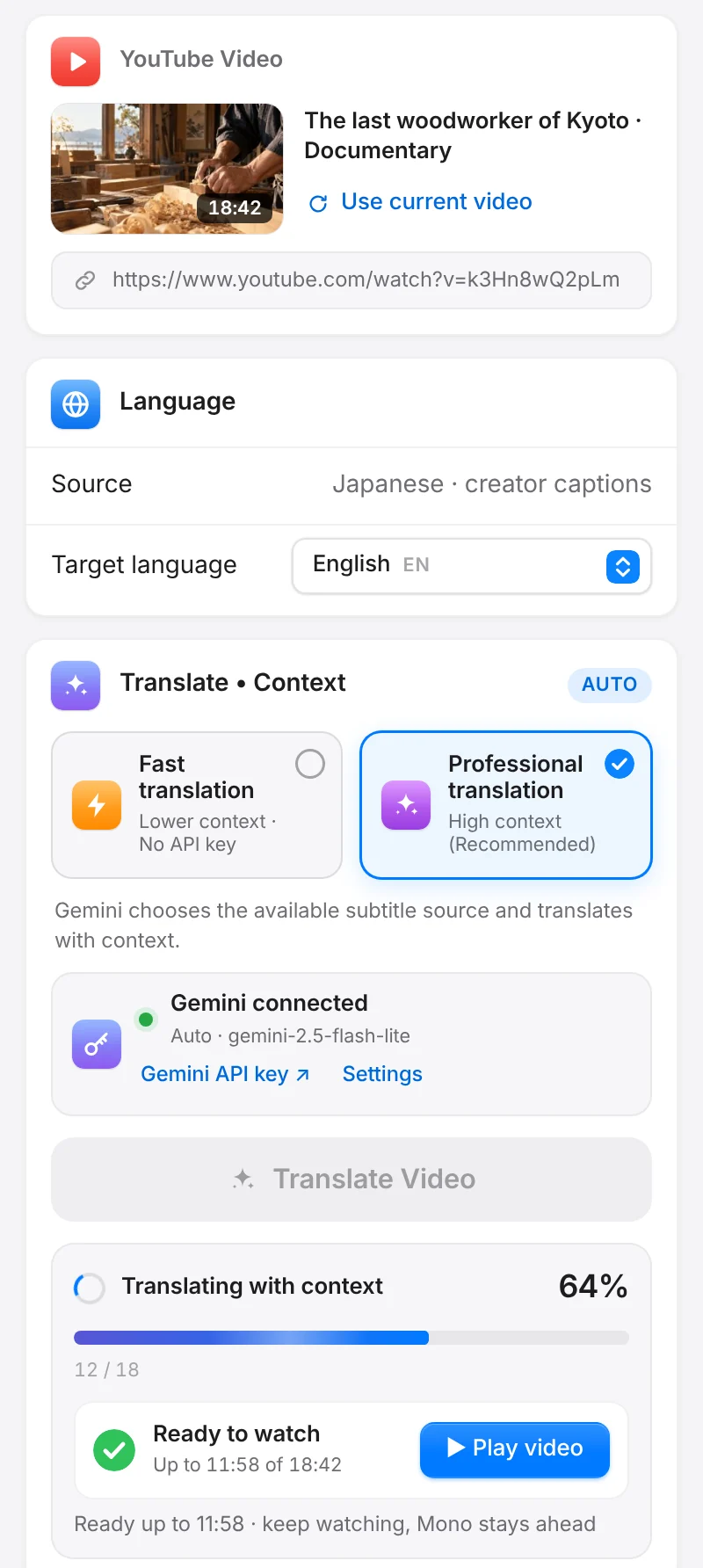
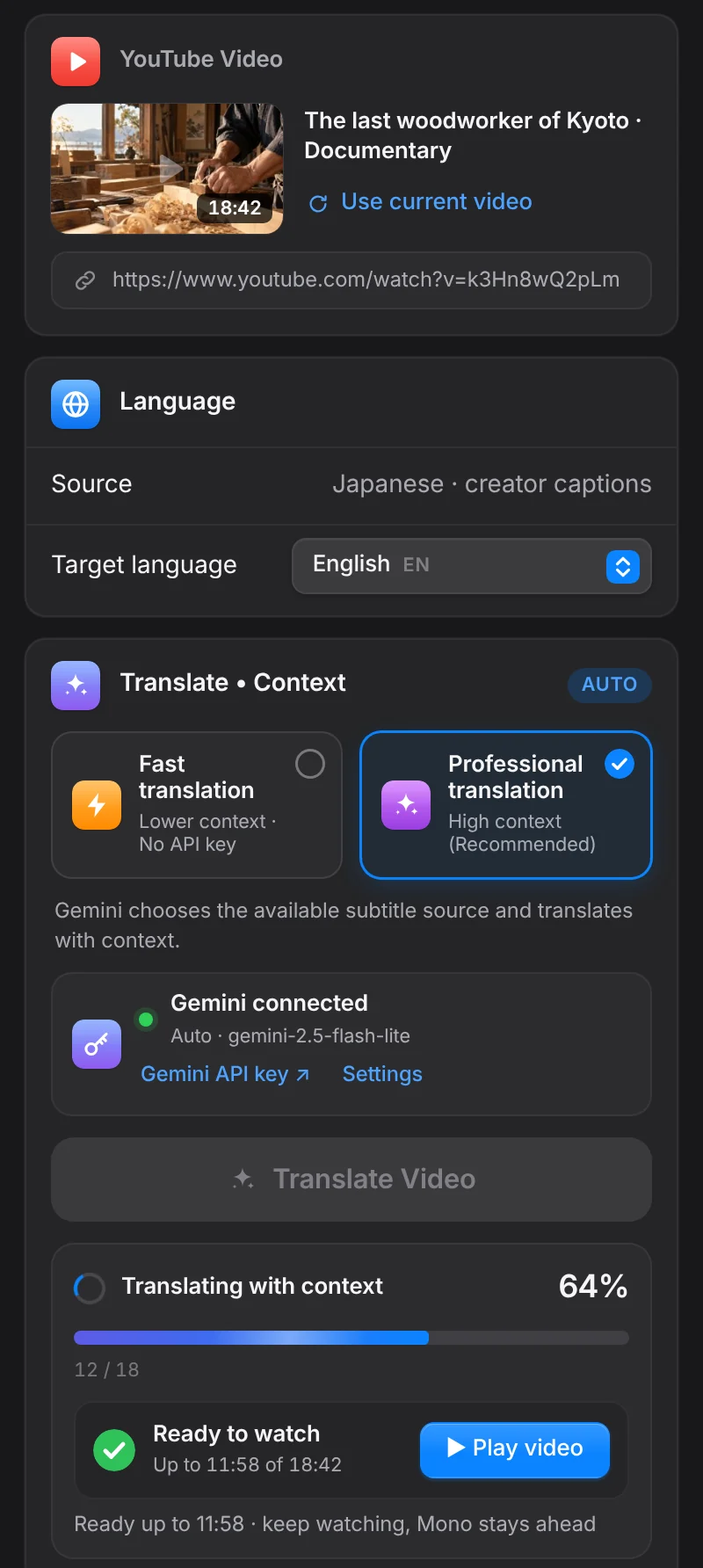
Add your own Gemini key. Mono verifies the connection and uses the model you choose for translation.

04

Open a YouTube video

The video needs accessible captions. Clearer source captions generally give the translation a stronger foundation.

05

Choose the target language

Select the language you want to understand. Mono begins reconstructing and translating upcoming subtitle sections.

06

Start watching

You do not need to wait for the entire video. Mono keeps preparing upcoming sections while playback continues.

07

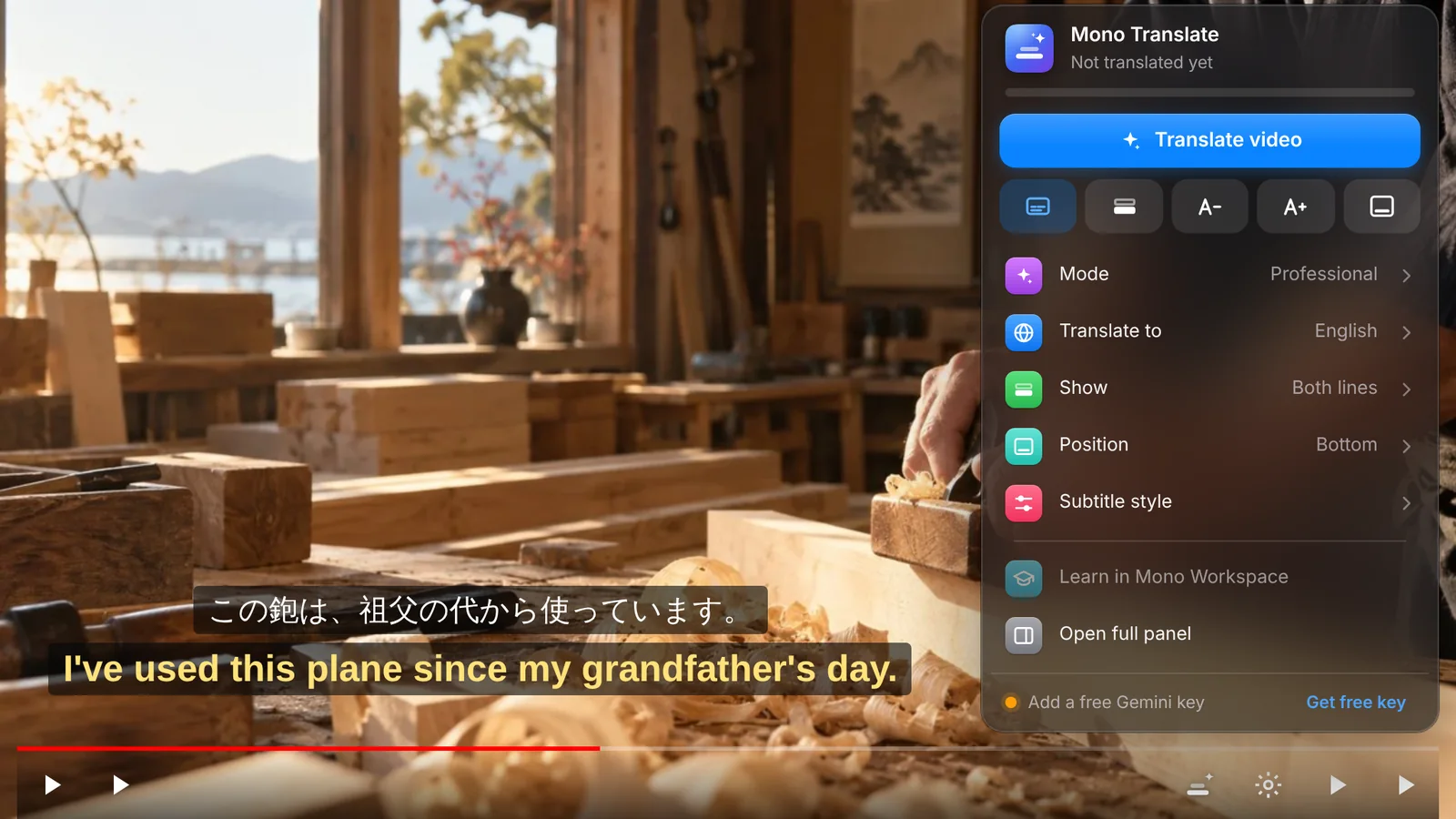
Keep original and translation together

Depending on how you watch, keep the original subtitle beside the translation and style the two layers separately.

08

Open it in Focus

When a section deserves another look, open the video in Focus to follow the transcript, replay the real voice and write notes.

09

Let it live in Workspace

Videos, progress, notes and projects can become something you return to instead of disappearing with the browser tab.

BEGIN

One video is enough to try.

Try Pro for 3 days →