Bilingual subtitles: understand the video while keeping the original on screen
The translation helps you follow the story; the original shows how the speaker expresses it. Both lines support each other when you know where to look.
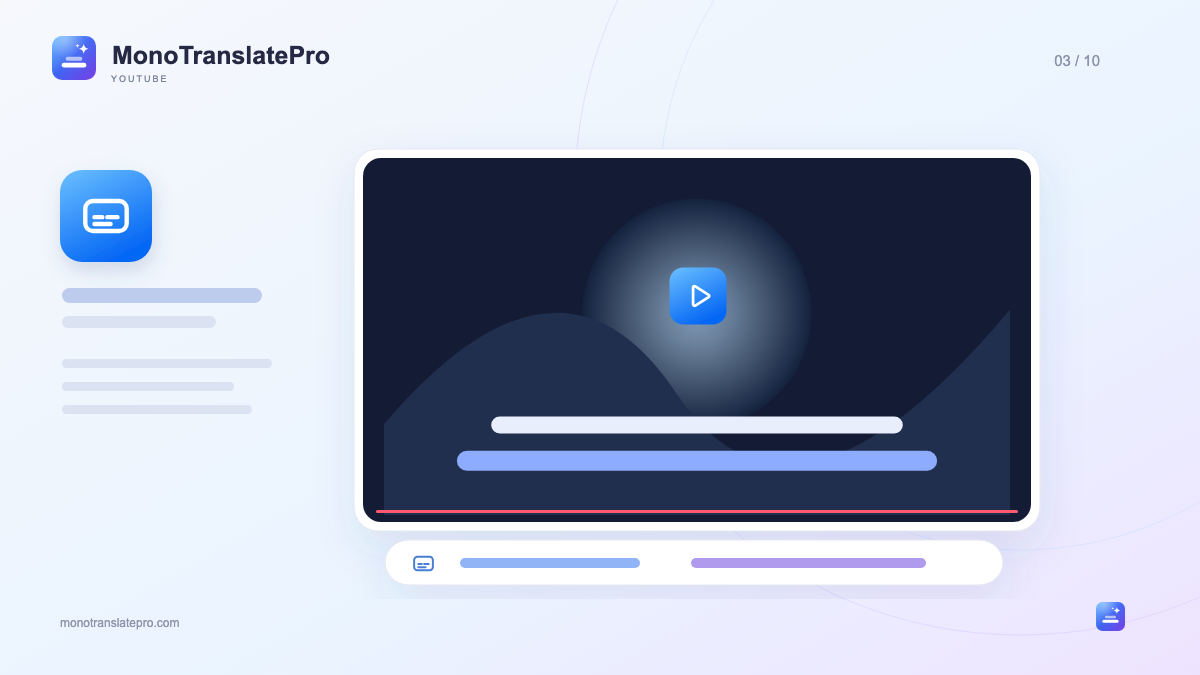
- Bilingual subtitles show the original and translation together on the video.
- Switch between both lines, original or translation for your viewing goal.
- Subtitle source quality and context both affect the translation.
In this article
1. Two lines, two different roles
With bilingual subtitles, the original and translation appear on the video together. The translation helps you follow the content; the original preserves wording, structure and what was actually said. The video’s audio remains unchanged, rather than being replaced with a voice reading the translation.
2. Read for your goal, not every word
For a tutorial, you may read the translation first and glance at the original for terminology. For language practice, listen, look at the original and use the translation to check meaning. You need not move your eyes evenly between both lines in every sentence.
3. Choose both lines, original or translation
Mono lets you show both lines, only the original or only the translation. Change this in the panel or player bar while watching. Use both when you need more support; try original-only on a clip you already understand.
Adjust each line’s size and color separately. Make the translation slightly easier to spot if it is your main reading line. When practicing with the original, keep it clear so your eyes find the right line quickly.
- Both lines: compare meaning and expression.
- Original: try listening and reading with less support.
- Translation: focus on content while the language is unfamiliar.
4. A good subtitle source makes reading easier
Mono needs the video’s captions. Creator-prepared subtitles are often clearer for names or terminology; automatic captions can still help but may mishear, omit punctuation or split ideas awkwardly. Errors in the original can affect the translation.
5. Some sentences need their neighbors
A short sentence can be hard to translate out of context. “This one’s on me” may refer to paying; a pronoun may refer to someone mentioned earlier. Reading each line alone can miss the information needed to understand.
Professional Translation uses more context in these situations. Fast Translation helps you get the gist quickly without a Gemini key. Both are machine translation; compare important details with the speech and situation in the video.
6. Keep a sentence you can use
When you find a useful expression, replay it with the original and try saying it. Once translation finishes, continue in the Mono Learning Map to understand, remember and use it in its original scene.
You need not collect every subtitle. A short sentence with clear context and a situation where you could use it is often a better start than a long word list. The translation opens up meaning; the original gives you material to practice.
Keep this in mind
Use both lines as support: the translation to understand, the original to listen and learn how to speak. Increase or reduce that support according to the clip and your goal.

The MonoTranslatePro team shares extension guides and ways to learn from real videos.