The Learning Map: from understanding a sentence to using it
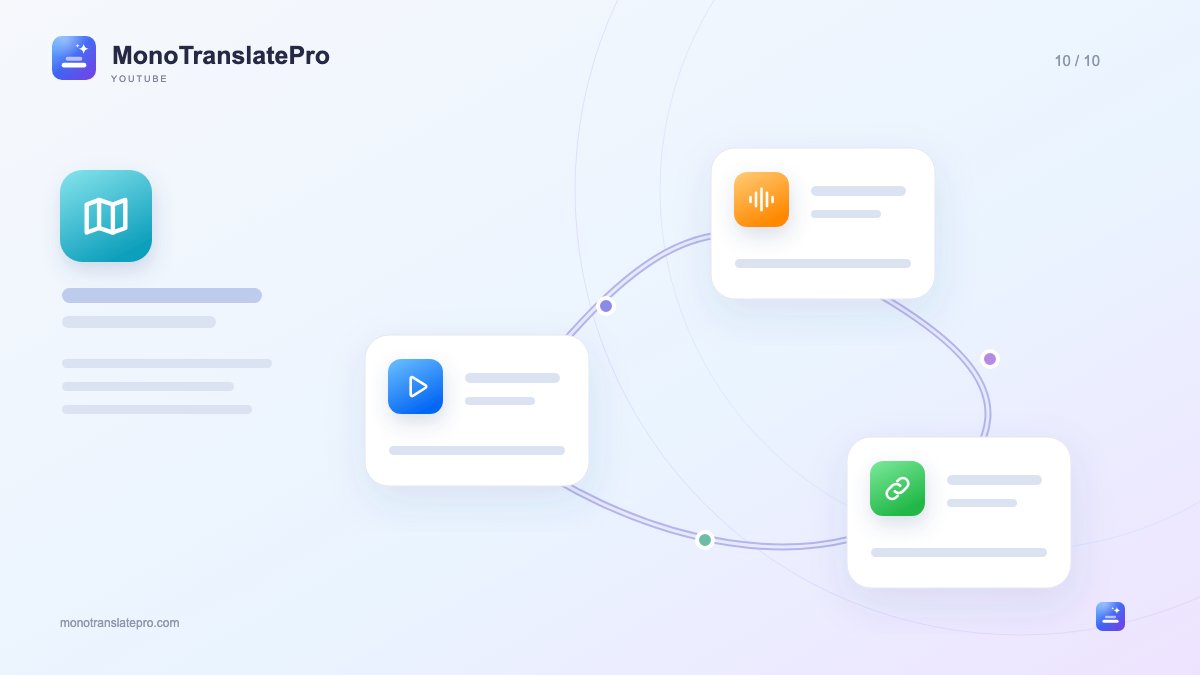
One moment in a video can become three learning steps: understand the idea, recall the expression and use it in your own sentence.
- Wait for translation to finish before continuing in Mono Workspace.
- Flow, Echo and Connect stay anchored in one video context.
- Choose a few useful sentences and try them in your own situation.
In this article
Understanding the video is the beginning
You have just enjoyed a video and understood most of it with bilingual subtitles. But when you want to express a similar idea, you cannot recall the speaker’s wording. The gap between understanding and using a sentence is why Mono’s Learning Map has three zones.
Flow, Echo and Connect are not three separate sets of content. They return you to the same sentence, speaker and moment in the video, keeping practice connected to what interested you in the first place.
Prepare a small learning session
Start with a subtitled video, translate into your preferred language and wait for completion. Then open Mono Workspace to continue. Do not pick a long interview just because more seems better; a short clip that is easy to revisit often suits a first session.
Flow: understand with just enough support
In Flow, watch and follow the video’s meaning. Subtitles help with difficult parts; the original keeps natural speech in context. Notice what the speaker is doing: telling a story, asking, suggesting or explaining. That intention often matters more than translating every word into your own language.
Echo: recall, then listen and repeat
Move to Echo with a sentence you understand. Before revealing the answer, try recalling the phrase. Then replay the exact clip and repeat aloud. Notice pauses, stress and how words connect.
You need not imitate it perfectly at first. If the sentence is long, choose a short meaningful phrase, then return to the full sentence. Original audio preserves the voice and context, making practice closer to real speech than isolated words.
Connect: put the phrase into your own idea
In Connect, try the phrase in a sentence you invent. With “I usually…”, describe your own habit. For an information question, think of a real situation where you would ask it. Preserve the purpose but change the details so the sentence becomes yours.
After writing or speaking, return to the original scene to compare use. A phrase suitable for friends may not fit a work email; context makes this visible. End with a sentence you want to try, then revisit it later to check recall.
Keep this in mind
A lesson need not contain many sentences. Understanding one, listening again and using it in your own idea makes a learning loop with a clear beginning and return point.
The MonoTranslatePro team shares extension guides and ways to learn from real videos.